

Creation of a web page with blank template was generally performed during the development of any new or existing project based on the requirement.
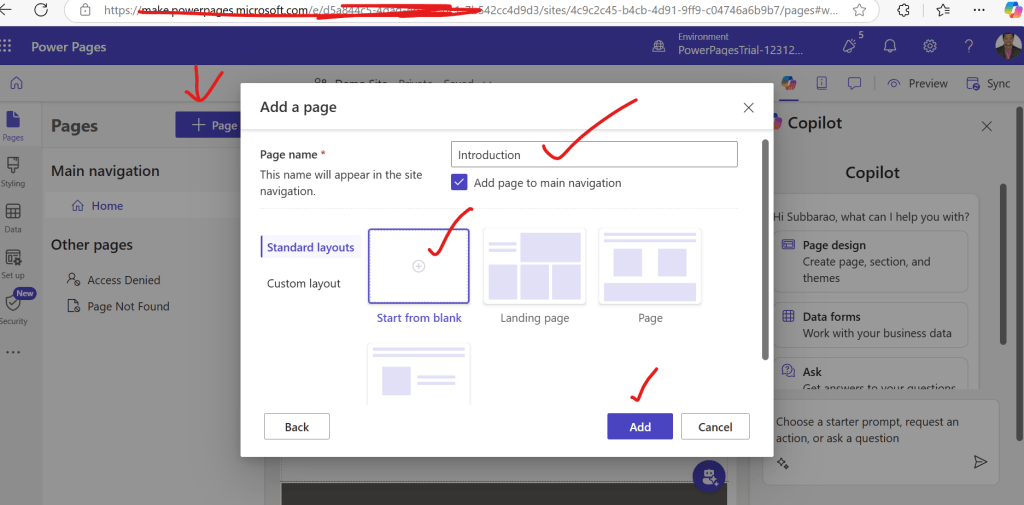
After creation of new website in design studio , click on + Page . A popup with Add a page title will occur and provide a name and select Standard layout and select Start from blank template and click on add as shown below
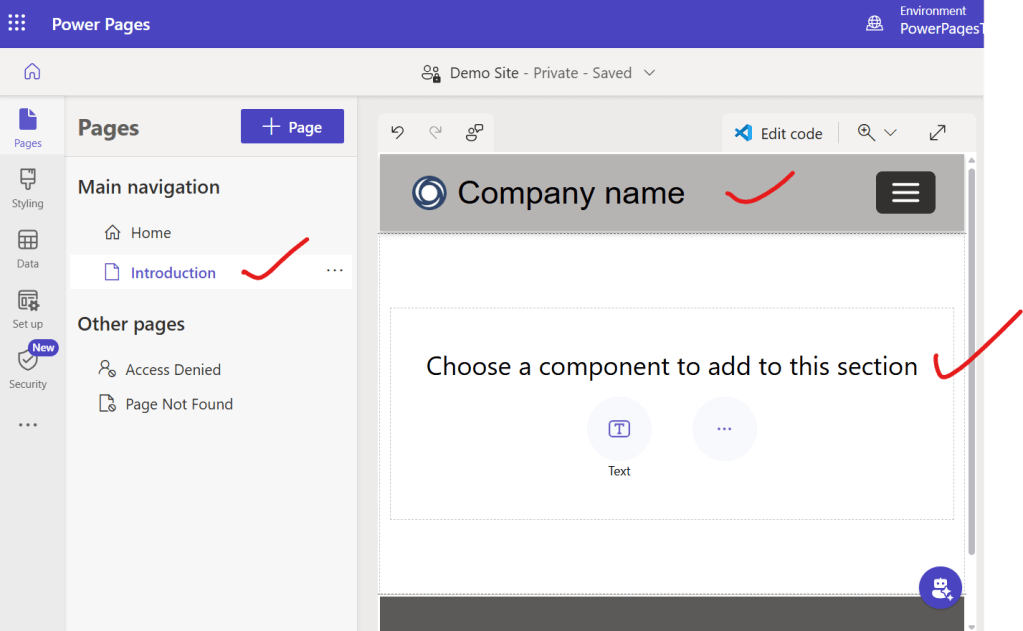
You can observe an Introduction page gets displayed in the navigation pane and to the right side an empty page with company name in the header will be shown and then an option to choose a component to add to this section will be shown as below
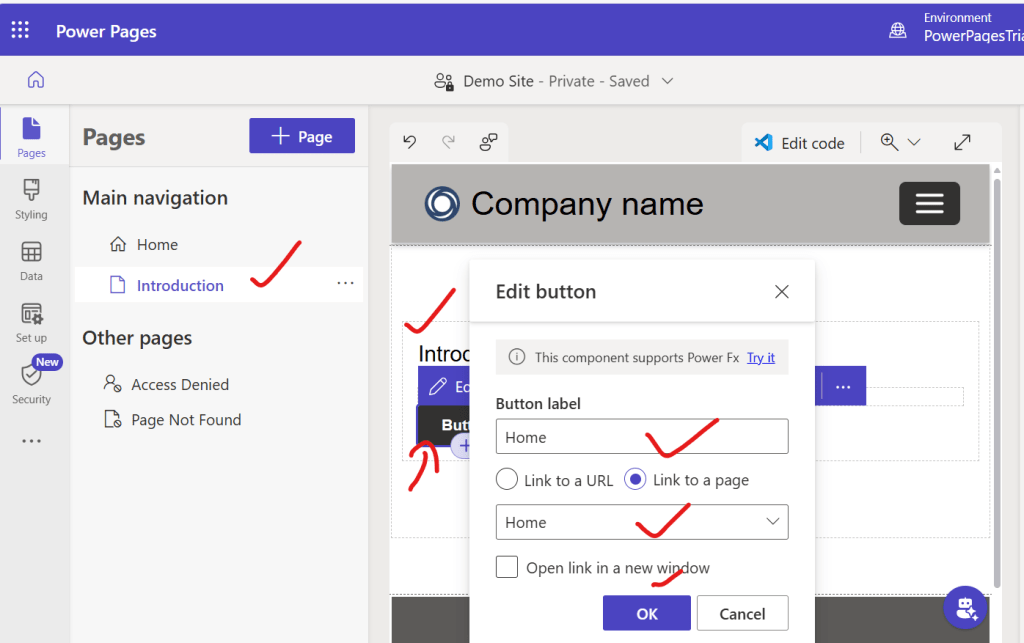
Now from components section select text field and a button field and some text and url of the existing home page can be given and click on ok as shown below
Now click on preview to see how Introduction page looks like as shown below
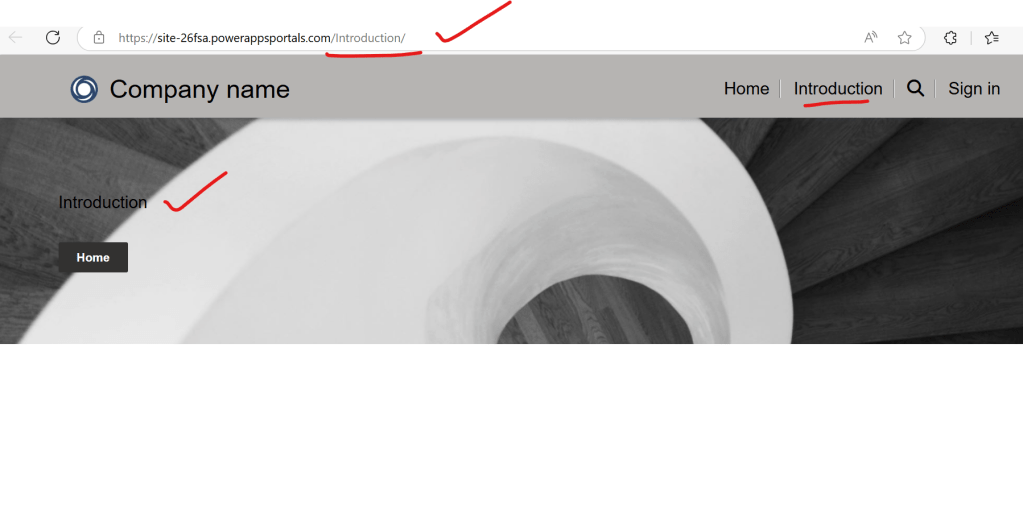
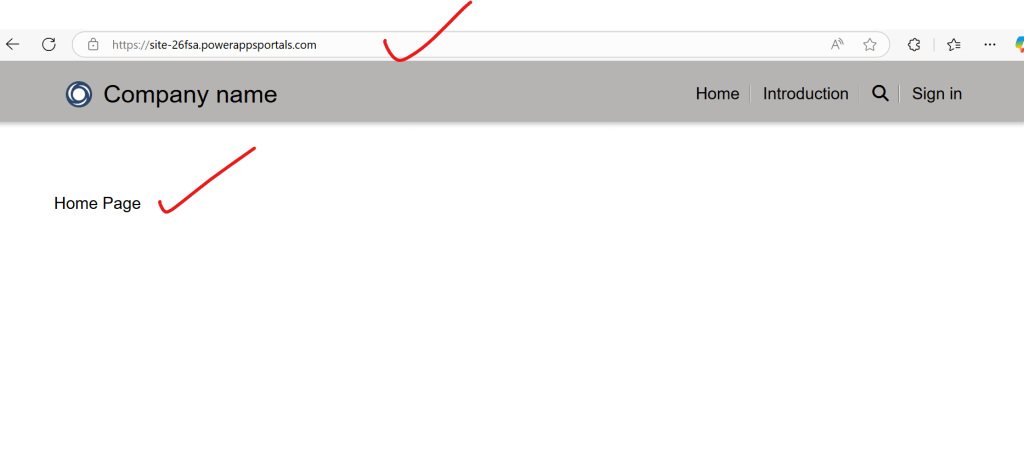
Once we click on Home button present in introduction page, then user will be navigated to Home page as shown below
In this way one can easily develop a web page with out writing a single line of code .
Discover more from Common Man Tips for Power Platform, Dynamics CRM,Azure
Subscribe to get the latest posts sent to your email.

